
Work on an infinite canvas where you can arrange ideas spatially. Morisot AI lets you organize generated images, create visual groupings, and see the big picture while exploring details. Think of it as a creative whiteboard powered by AI.
Morisot AI: Bir bulanık kıvılcımbulanık kıvılcım, dolu bir görsel duvarı.
bulanık kıvılcım
bulanık kıvılcım
Tarif etmesi zor mu?Sadece seçin.
vintage bir kitapçı
Visual Exploration Canvas
Transform vague ideas into visual boards with Morisot AI. Our intelligent canvas helps you explore multiple creative directions simultaneously. Upload a reference image, enter a loose concept, and watch Morisot AI generate diverse interpretations across your workspace. Perfect for mood boards, brainstorming sessions, and discovering unexpected visual solutions.
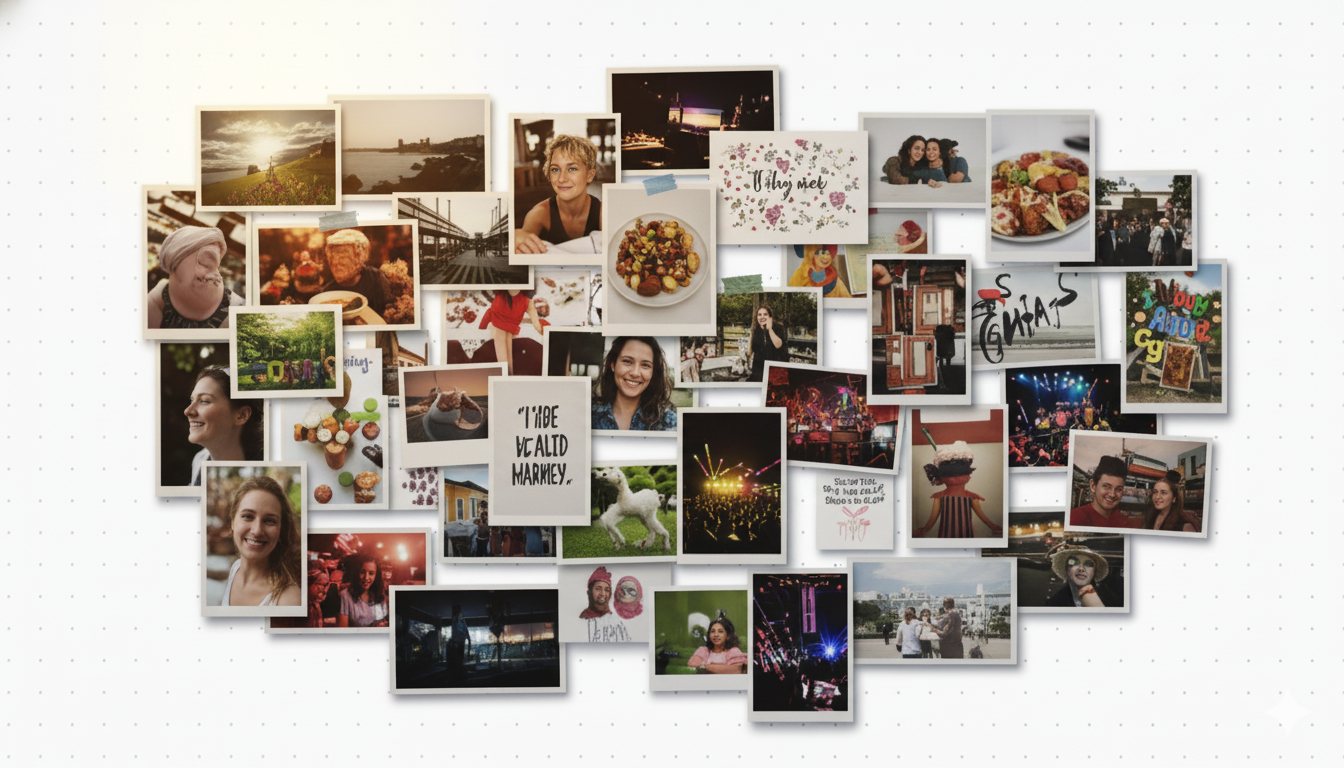 Morisot AI workspace example
Infinite Canvas Workflow
Morisot AI provides an unlimited creative space where your ideas can grow organically. Drag, arrange, and organize generated images freely. Select any image to generate variations, combine multiple references, or pivot to new directions. The canvas remembers your journey, making it easy to iterate and refine concepts without losing track of your creative evolution.
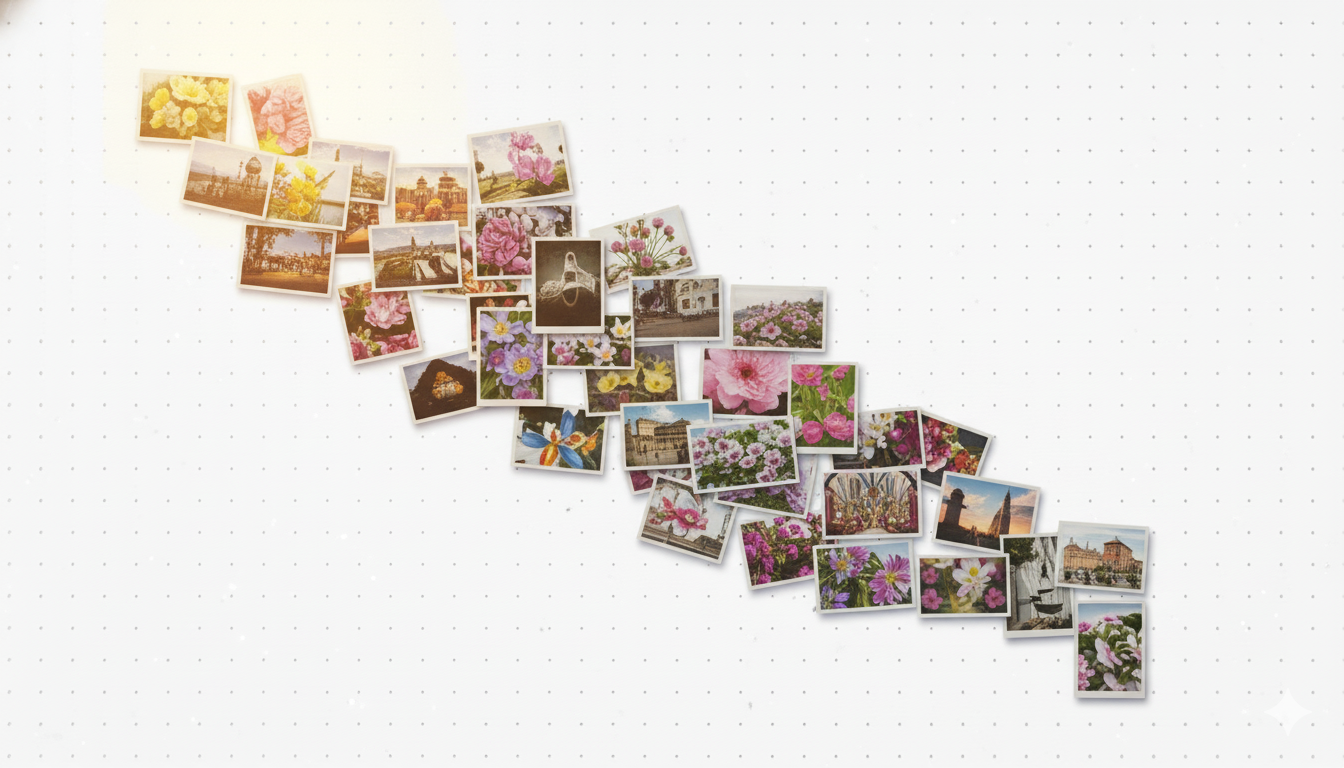 Canvas layout workflow
Smart Reference Synthesis
Upload your own images and let Morisot AI understand your style intent. Whether it's a product photo, a sketch, or an inspiration image, our synthesis engine analyzes composition, lighting, and aesthetics to generate contextually relevant variations. Perfect for designers who work visually rather than through text prompts alone.
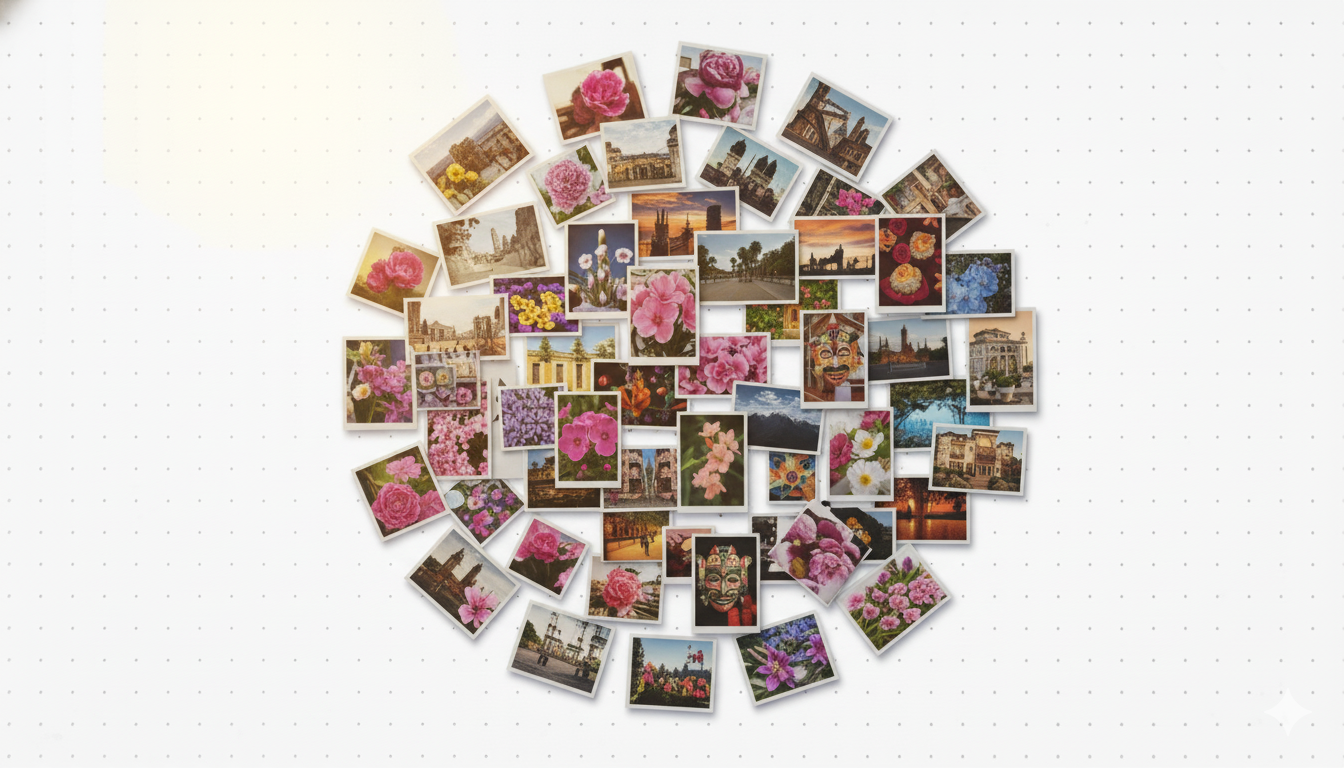 Reference-based generation
Morisot AI Neden Öne Çıkıyor
Morisot AI, güçlü görsel üretimini sezgisel görsel organizasyon ile birleştiren kapsamlı bir yaratıcı çalışma alanıdır. Görsel olarak düşünen ve esnek keşif araçlarına ihtiyaç duyan tasarımcılar, pazarlamacılar ve yaratıcı profesyoneller için tasarlanmıştır.
Morisot AI Fiyatları
Choose a plan that fits your creative workflow. All plans include full access to the canvas workspace and generation features.
Basic
$9.9/ month
Affordable monthly access to Morisot AI for light usage.
İçerir:
- 5,900 credits per month
- Approx. 236 images/month
Plus
$19.9/ month
Popular choice for active Morisot AI users needing more generation capacity.
İçerir:
- 13,000 credits per month
- Approx. 520 images/month
Pro
$49.9/ month
Professional tier for teams and heavy Morisot AI users.
İçerir:
- 36,000 credits per month
- Approx. 1,440 images/month
Morisot AI: Sık Sorulan Sorular
Morisot AI'nın yaratıcı profesyonellerin sezgisel bir canvas çalışma alanı aracılığıyla görsel fikirleri keşfetmesine nasıl yardımcı olduğunu öğrenin. Platformumuzun yaratıcı sürecinizi hızlandırmak için AI üretimini mekansal organizasyonla nasıl birleştirdiğini keşfedin.
01What is Morisot AI and how does it work?
Morisot AI is a visual exploration platform that combines AI image generation with an infinite canvas workspace. Instead of generating single images in isolation, Morisot AI helps you explore multiple creative directions simultaneously. Enter vague concepts, upload reference images, and generate variations that populate your workspace. Arrange, compare, and iterate visually rather than managing files in folders. The system is designed for designers and creative professionals who think spatially.
02What makes the canvas workspace different?
Unlike traditional image generators that show results in a linear list, Morisot AI provides an unlimited spatial canvas where you can arrange generated images freely. This spatial approach mirrors how designers naturally work with mood boards and inspiration walls. You can group related ideas, create visual hierarchies, and see connections between concepts. The canvas remembers your layout, so returning to a project feels natural rather than hunting through file lists.
03Can I use reference images with Morisot AI?
Absolutely. Morisot AI excels at understanding visual references. Upload product photos, sketches, inspiration images, or existing designs, and the system will analyze composition, style, lighting, and aesthetics. You can combine multiple references to guide generation or use a single image as a starting point. This image-first workflow is perfect for designers who communicate visually rather than through text descriptions alone.
04How does batch generation work on the canvas?
Morisot AI allows you to generate multiple variations simultaneously. When you enter a prompt or select references, you can choose how many interpretations to generate. These images appear on your canvas automatically, spatially arranged for easy comparison. This batch approach accelerates exploration by showing diverse options at once rather than forcing you to generate, evaluate, and regenerate sequentially.
05What image formats and sizes does Morisot AI support?
Morisot AI generates high-resolution images in standard formats suitable for professional use. You can specify any aspect ratio your project needs: square formats for social media, landscape for web banners, portrait for mobile screens, or custom dimensions for specific requirements. Output resolution is configurable, and images export cleanly for use in design tools or directly in marketing materials.
06Are my projects and images private?
Yes. All canvases you create, images you generate, and references you upload remain private to your account. Morisot AI does not share your creative work publicly or use your content to train models without explicit permission. Your projects are automatically saved and accessible only to you, ensuring confidentiality for client work and proprietary designs.
07How does the credit system work?
Morisot AI uses a credit-based pricing model. Each image generation consumes credits based on size and complexity. You can subscribe for monthly credit allocations or purchase one-time credit packs that never expire. All subscription tiers include full access to the canvas workspace and generation features. Credits simply gate how many images you can generate per month.
08Can I use generated images commercially?
Yes. Images you generate with Morisot AI are yours to use commercially without additional fees or licensing requirements. Use them in client projects, marketing campaigns, websites, social media, or any commercial application. There are no hidden royalty obligations or usage restrictions beyond standard content guidelines.
09What happens to my canvas projects over time?
Morisot AI automatically saves every canvas session. You can return to any project at any time, even months later, and find your images exactly where you arranged them. This persistent memory means you can work iteratively over days or weeks without losing context. Export final selections when ready or keep exploring until you find the perfect direction.
10How do I get started with Morisot AI?
Simply sign up with your email or Google account to access the studio workspace. New users receive trial credits to explore the platform. Once logged in, create a new canvas, enter a concept or upload a reference, and generate your first images. The interface is designed to be intuitive: no tutorials required. Start with simple prompts and experiment with the spatial canvas to discover how Morisot AI fits your creative workflow.