
Work on an infinite canvas where you can arrange ideas spatially. Morisot AI lets you organize generated images, create visual groupings, and see the big picture while exploring details. Think of it as a creative whiteboard powered by AI.
Morisot AI: Una scintilla sfocatascintilla sfocata, un muro pieno di immagini.
scintilla sfocata
scintilla sfocata
Difficile da descrivere?Scegli semplicemente.
una libreria vintage
Canvas di Esplorazione Visiva
Trasforma idee vaghe in tavole visive con Morisot AI. Il nostro canvas intelligente ti aiuta a esplorare molteplici direzioni creative simultaneamente. Carica un'immagine di riferimento, inserisci un concetto approssimativo e osserva Morisot AI generare diverse interpretazioni nel tuo spazio di lavoro. Perfetto per mood board, sessioni di brainstorming e scoprire soluzioni visive inaspettate.
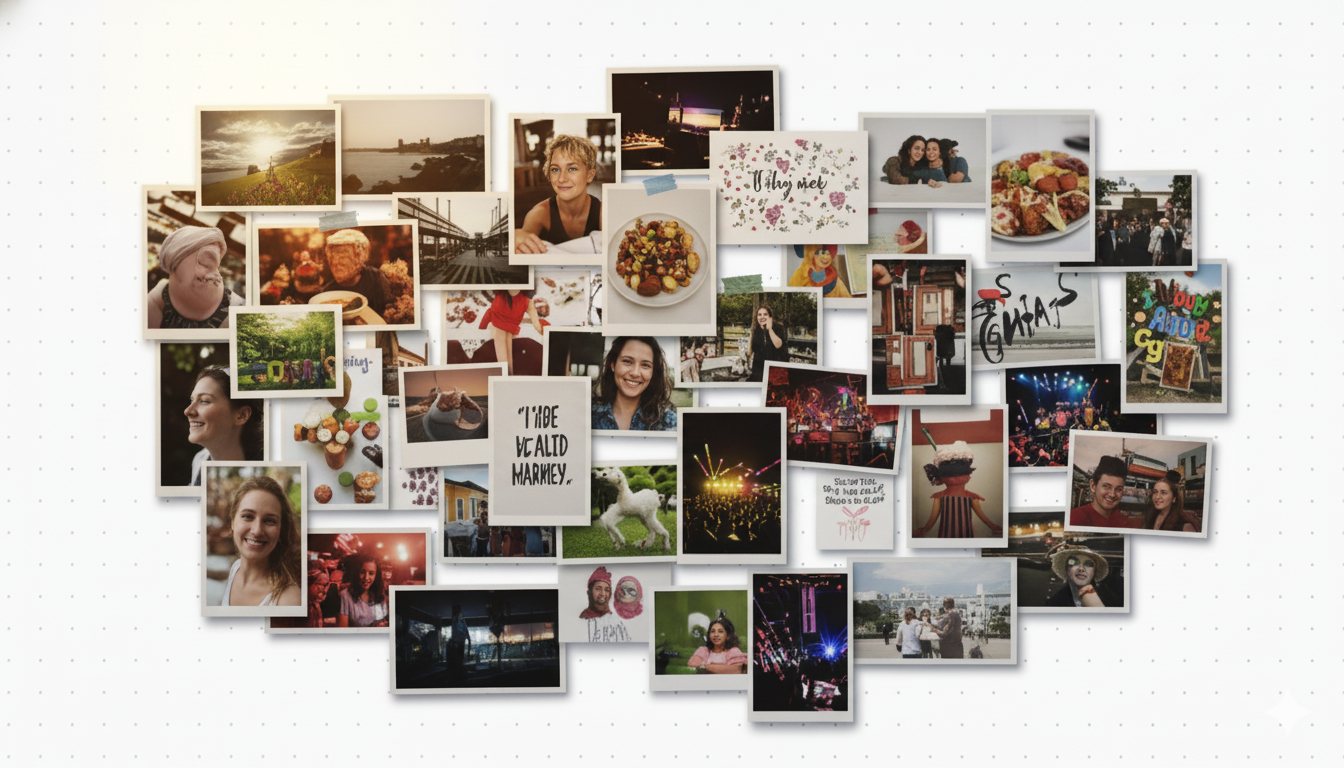 Morisot AI workspace example
Flusso di Lavoro Canvas Infinito
Morisot AI fornisce uno spazio creativo illimitato dove le tue idee possono crescere organicamente. Trascina, organizza e disponi le immagini generate liberamente. Seleziona qualsiasi immagine per generare variazioni, combina molteplici riferimenti o passa a nuove direzioni. Il canvas ricorda il tuo percorso, rendendo facile iterare e raffinare concetti senza perdere traccia della tua evoluzione creativa.
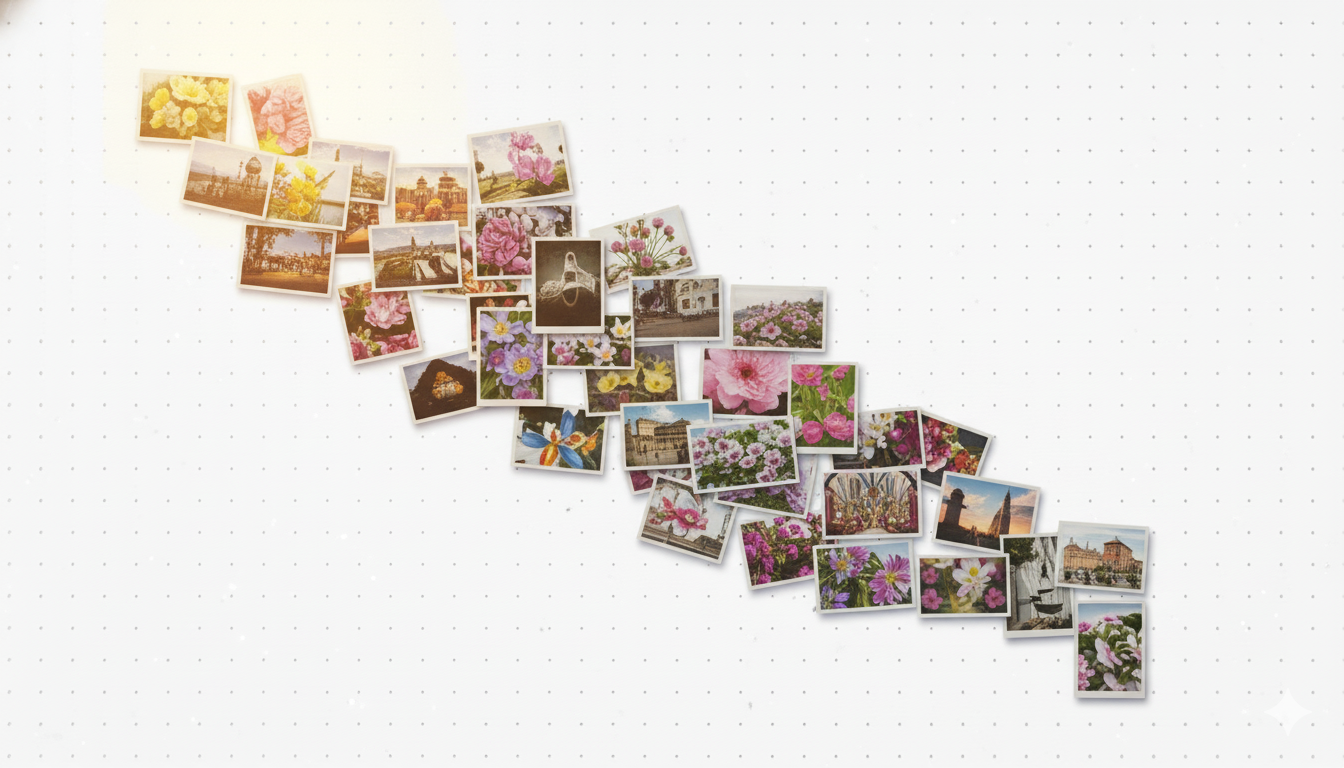 Canvas layout workflow
Sintesi Intelligente di Riferimenti
Carica le tue immagini e lascia che Morisot AI comprenda la tua intenzione stilistica. Che si tratti di una foto di prodotto, uno schizzo o un'immagine di ispirazione, il nostro motore di sintesi analizza composizione, illuminazione ed estetica per generare variazioni contestualmente rilevanti. Perfetto per designer che lavorano visivamente piuttosto che solo attraverso prompt testuali.
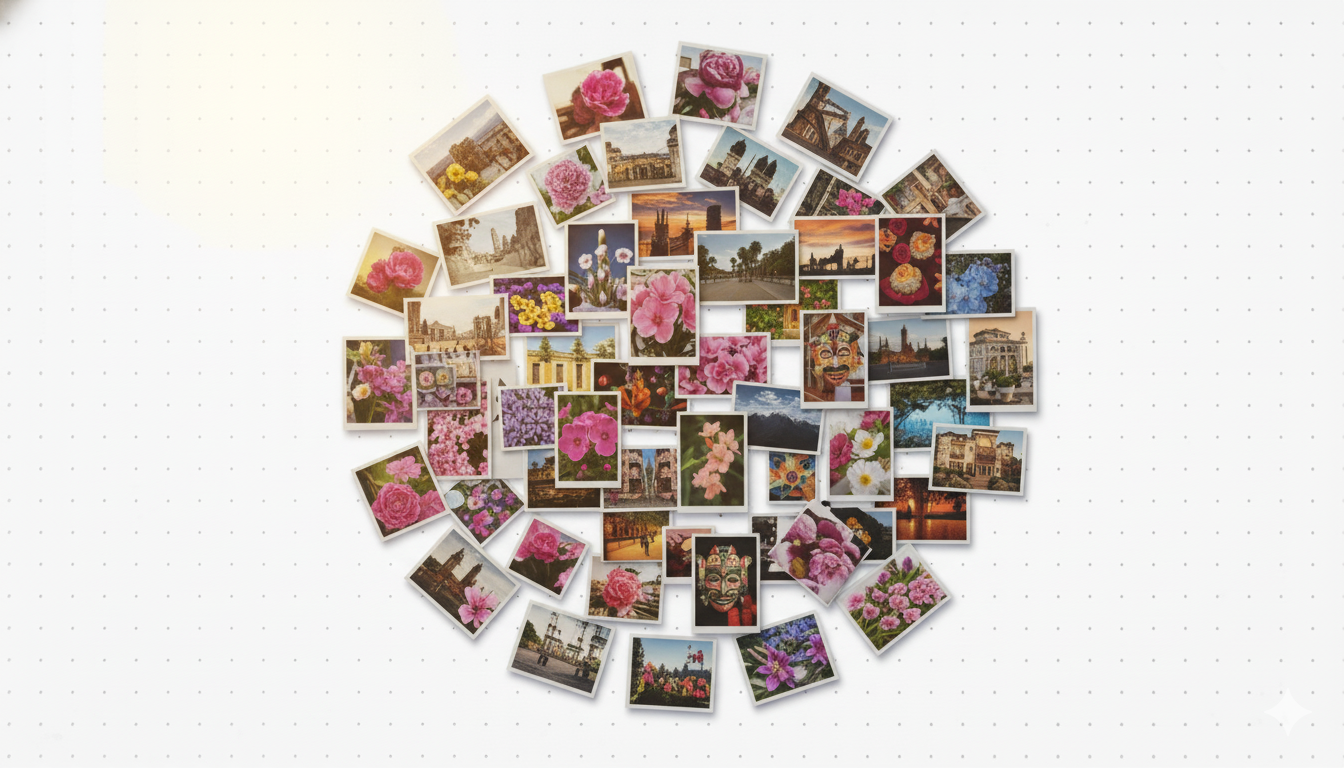 Reference-based generation
Perché Morisot AI si Distingue
Morisot AI è uno spazio di lavoro creativo completo che combina potente generazione di immagini con organizzazione visiva intuitiva. Progettato per designer, marketer e professionisti creativi che pensano visivamente e necessitano di strumenti di esplorazione flessibili.
Prezzi Morisot AI
Choose a plan that fits your creative workflow. All plans include full access to the canvas workspace and generation features.
Basic
$9.9/ month
Affordable monthly access to Morisot AI for light usage.
Include:
- 5,900 credits per month
- Approx. 236 images/month
Plus
$19.9/ month
Popular choice for active Morisot AI users needing more generation capacity.
Include:
- 13,000 credits per month
- Approx. 520 images/month
Pro
$49.9/ month
Professional tier for teams and heavy Morisot AI users.
Include:
- 36,000 credits per month
- Approx. 1,440 images/month
Morisot AI: Domande Frequenti
Scopri come Morisot AI aiuta i professionisti creativi a esplorare idee visive attraverso uno spazio di lavoro canvas intuitivo. Scopri come la nostra piattaforma combina la generazione IA con l'organizzazione spaziale per accelerare il tuo processo creativo.
01What is Morisot AI and how does it work?
Morisot AI is a visual exploration platform that combines AI image generation with an infinite canvas workspace. Instead of generating single images in isolation, Morisot AI helps you explore multiple creative directions simultaneously. Enter vague concepts, upload reference images, and generate variations that populate your workspace. Arrange, compare, and iterate visually rather than managing files in folders. The system is designed for designers and creative professionals who think spatially.
02What makes the canvas workspace different?
Unlike traditional image generators that show results in a linear list, Morisot AI provides an unlimited spatial canvas where you can arrange generated images freely. This spatial approach mirrors how designers naturally work with mood boards and inspiration walls. You can group related ideas, create visual hierarchies, and see connections between concepts. The canvas remembers your layout, so returning to a project feels natural rather than hunting through file lists.
03Can I use reference images with Morisot AI?
Absolutely. Morisot AI excels at understanding visual references. Upload product photos, sketches, inspiration images, or existing designs, and the system will analyze composition, style, lighting, and aesthetics. You can combine multiple references to guide generation or use a single image as a starting point. This image-first workflow is perfect for designers who communicate visually rather than through text descriptions alone.
04How does batch generation work on the canvas?
Morisot AI allows you to generate multiple variations simultaneously. When you enter a prompt or select references, you can choose how many interpretations to generate. These images appear on your canvas automatically, spatially arranged for easy comparison. This batch approach accelerates exploration by showing diverse options at once rather than forcing you to generate, evaluate, and regenerate sequentially.
05What image formats and sizes does Morisot AI support?
Morisot AI generates high-resolution images in standard formats suitable for professional use. You can specify any aspect ratio your project needs: square formats for social media, landscape for web banners, portrait for mobile screens, or custom dimensions for specific requirements. Output resolution is configurable, and images export cleanly for use in design tools or directly in marketing materials.
06Are my projects and images private?
Yes. All canvases you create, images you generate, and references you upload remain private to your account. Morisot AI does not share your creative work publicly or use your content to train models without explicit permission. Your projects are automatically saved and accessible only to you, ensuring confidentiality for client work and proprietary designs.
07How does the credit system work?
Morisot AI uses a credit-based pricing model. Each image generation consumes credits based on size and complexity. You can subscribe for monthly credit allocations or purchase one-time credit packs that never expire. All subscription tiers include full access to the canvas workspace and generation features. Credits simply gate how many images you can generate per month.
08Can I use generated images commercially?
Yes. Images you generate with Morisot AI are yours to use commercially without additional fees or licensing requirements. Use them in client projects, marketing campaigns, websites, social media, or any commercial application. There are no hidden royalty obligations or usage restrictions beyond standard content guidelines.
09What happens to my canvas projects over time?
Morisot AI automatically saves every canvas session. You can return to any project at any time, even months later, and find your images exactly where you arranged them. This persistent memory means you can work iteratively over days or weeks without losing context. Export final selections when ready or keep exploring until you find the perfect direction.
10How do I get started with Morisot AI?
Simply sign up with your email or Google account to access the studio workspace. New users receive trial credits to explore the platform. Once logged in, create a new canvas, enter a concept or upload a reference, and generate your first images. The interface is designed to be intuitive: no tutorials required. Start with simple prompts and experiment with the spatial canvas to discover how Morisot AI fits your creative workflow.